This is what UnderTorque actually looks like.
Built in the bay. Used between jobs. Not theory. Not training slides. Just a place to store the moments you figured it out — so you can find them again next time.
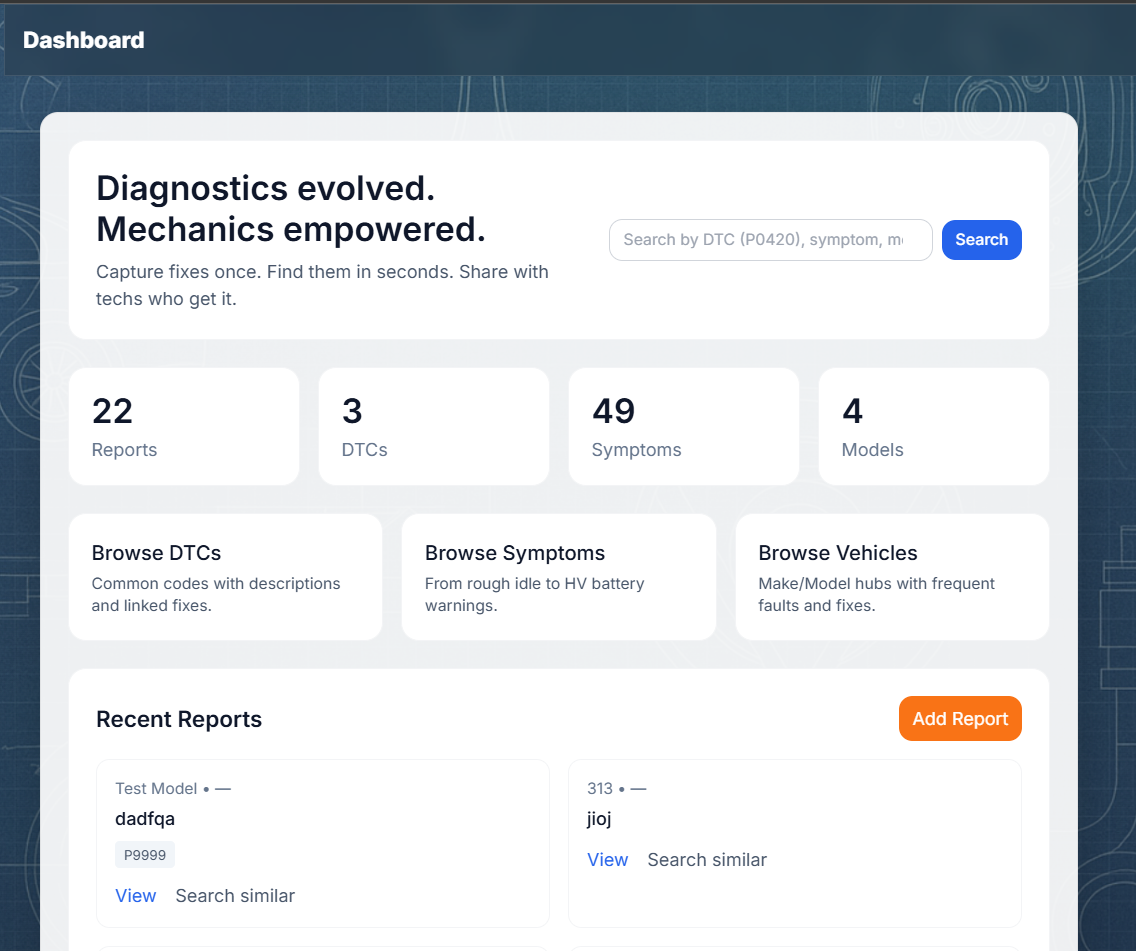
Your library, at a glance
This is your headspace on a screen. What you’ve captured. What you’ve solved. What you can pull back in seconds when the same pattern turns up again.
Don’t rely on memory alone. Memory fades when you’re under pressure. A library doesn’t.
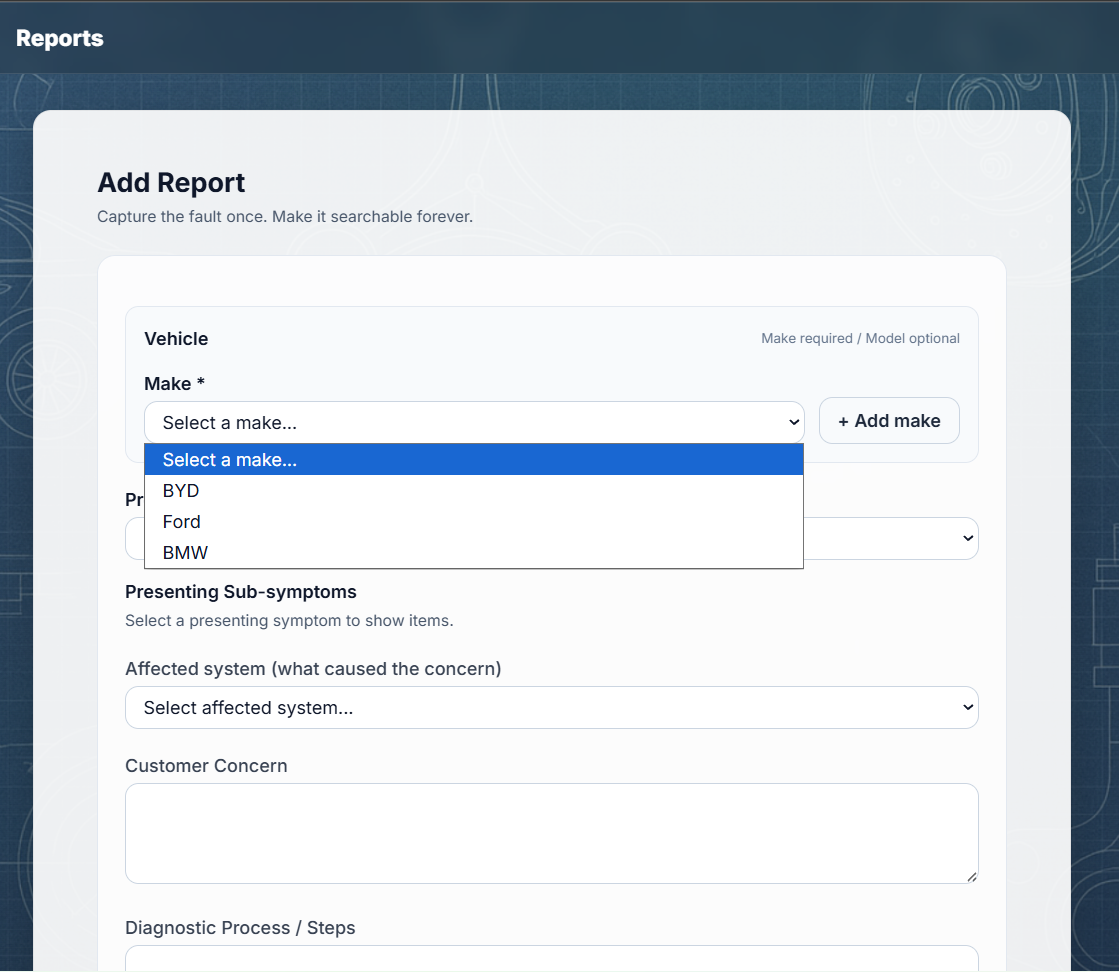
Log a fault
When you’re mid-job, you don’t want admin. You want speed. So the report flow is built for real workshop rhythm: capture the symptoms, DTCs, your thought process, and the outcome — in your language.
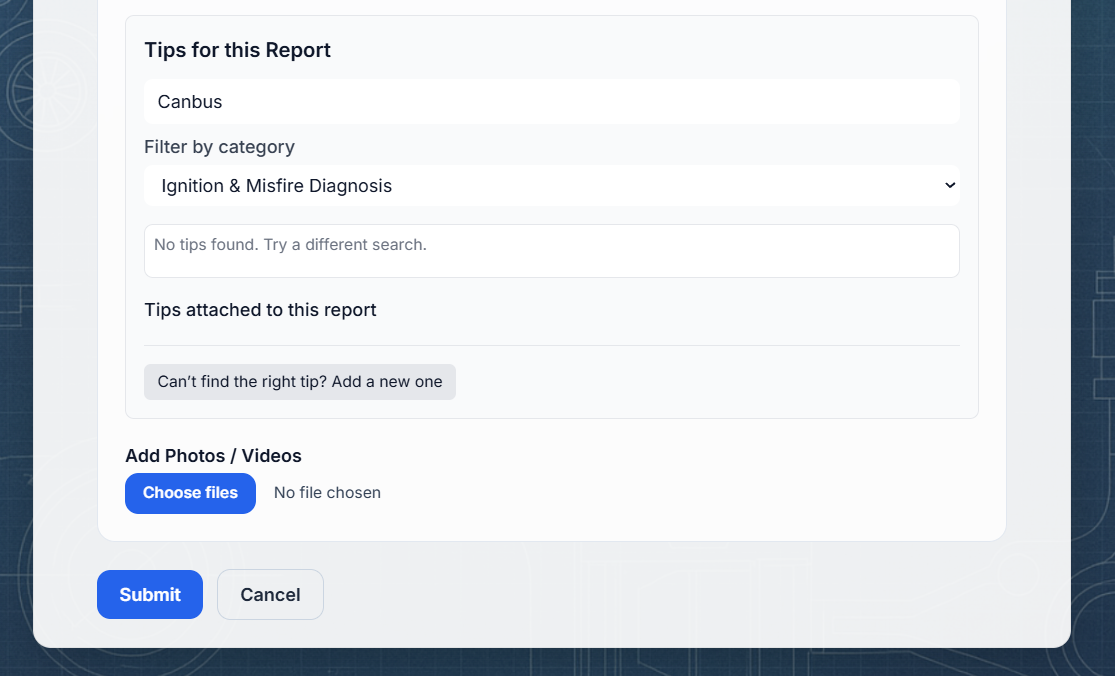
Attach proof
This is where UnderTorque stops being “notes” and becomes reliable. Photos, scan logs, scope screenshots, PDFs — whatever proves the point — stays with the entry.
Evidence reduces doubt. Doubt costs time. If you can show what you saw, you can trust what you wrote.
Search next time
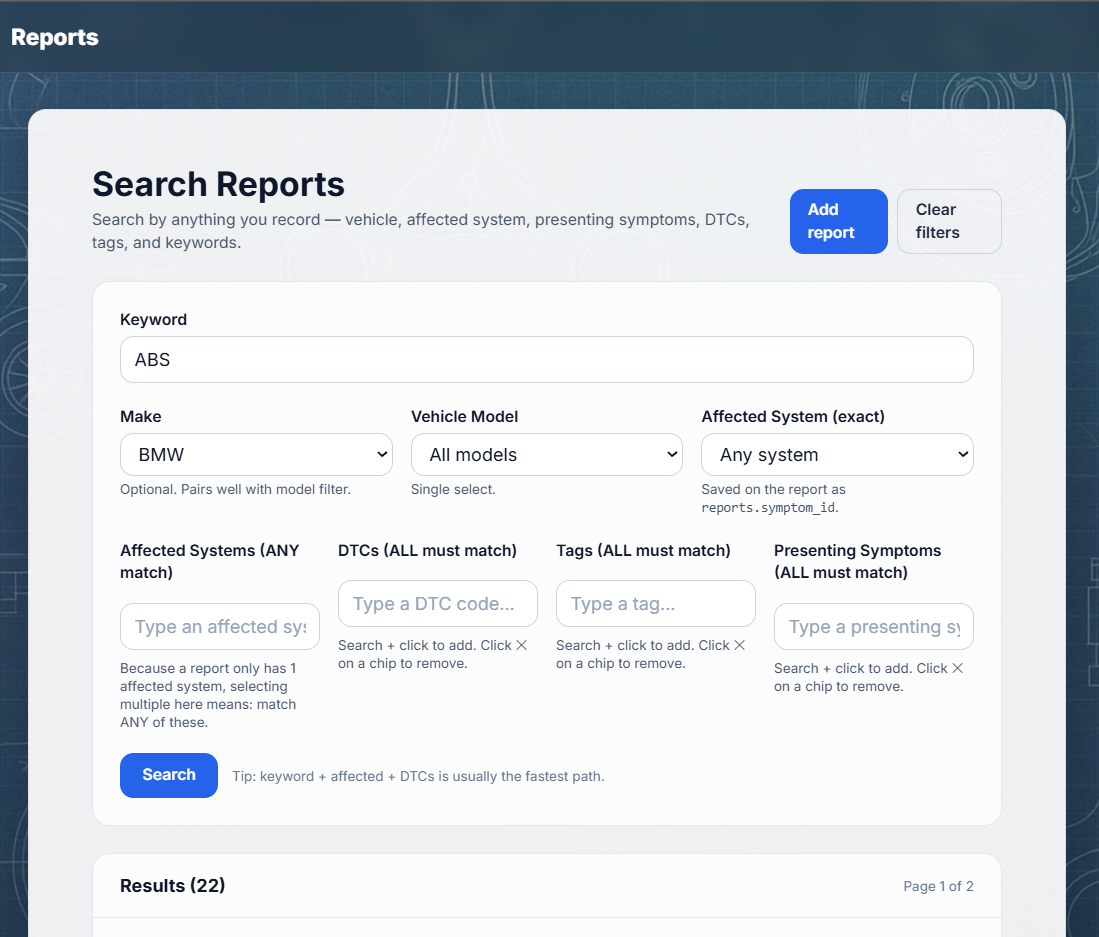
This is the time-saver. The moment a vehicle shows a familiar pattern, you search: by keyword, DTC, tags, affected system, presenting symptoms — and you get back to what worked.
“I know I’ve seen this before…” becomes “Here it is.”
Outcomes, not theory
UnderTorque isn’t here to replace manuals. Manuals tell you procedures. This captures what actually happened: what you tested, what you found, what fixed it — and what proved it.
The trade doesn’t need more opinions. It needs fewer repeated diagnoses.
Add a screenshot here when you’ve got a clean, believable example report.
Why this exists
Every technician builds patterns. Most of them get lost — not because techs don’t care, but because the job moves fast and the day gets heavy.
- Job cards disappear into archives
- Phones change, notes get lost
- “We fixed one like this…” with no proof
- Same faults get diagnosed from scratch
- Your wins live somewhere permanent
- Proof stays attached to the outcome
- Search pulls knowledge back instantly
- You keep control — private by default