How it works
From fault found to fault searchable.
UnderTorque turns a real diagnostic job into a structured report or reusable tip, so you can find the same pattern again later.
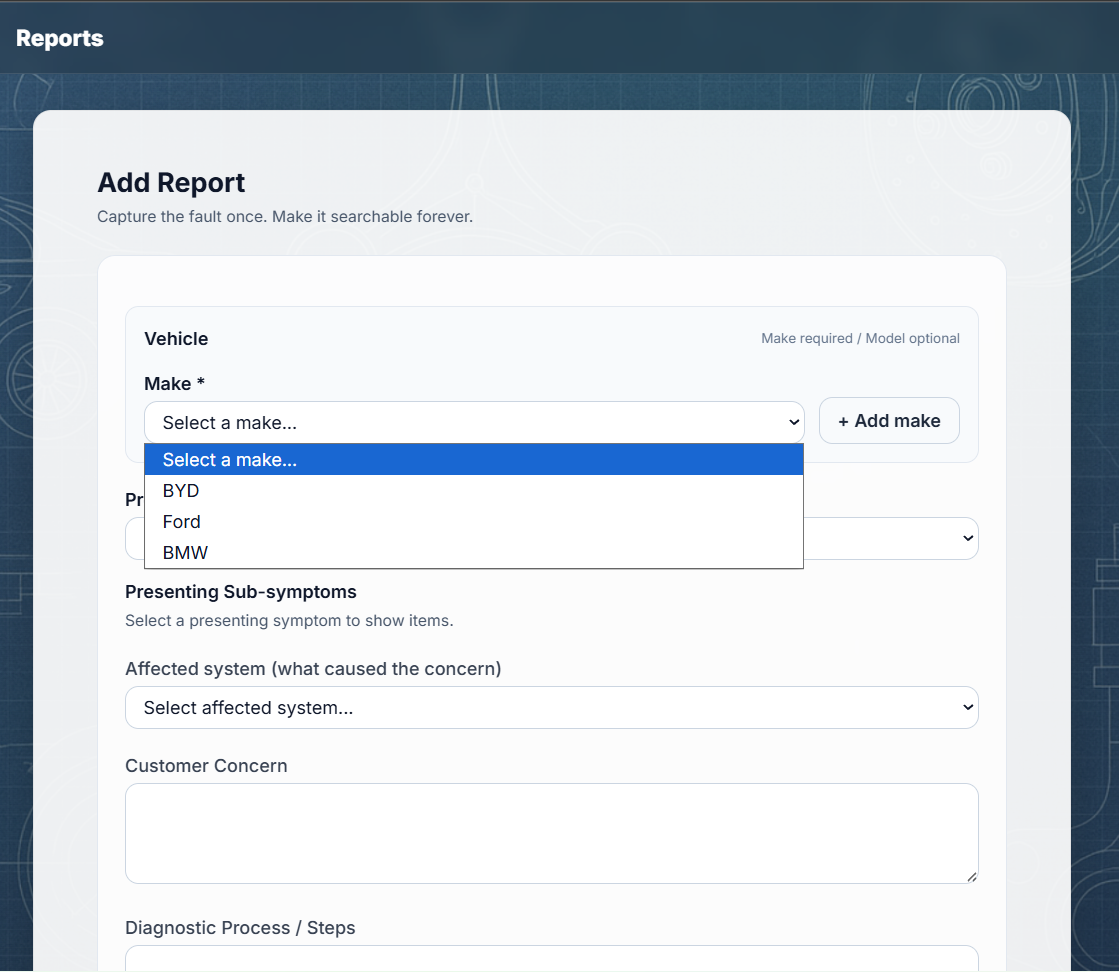
Add the job
Start with the concern, vehicle, presenting symptoms and affected system.
Structure the useful bits
Link DTCs, tags, systems, diagnostic steps, test results, root cause and fix.
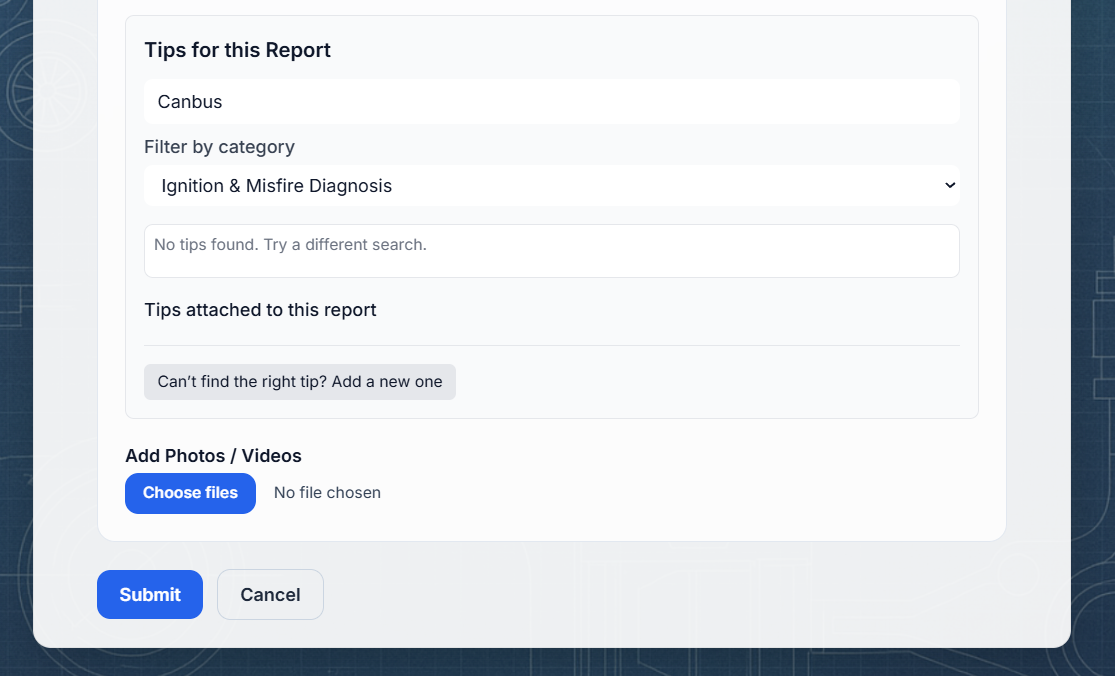
Attach proof
Add images, videos or documents so the report has evidence and context.
Find it later
Search by symptom, code, tag, model, system or keyword when the pattern returns.
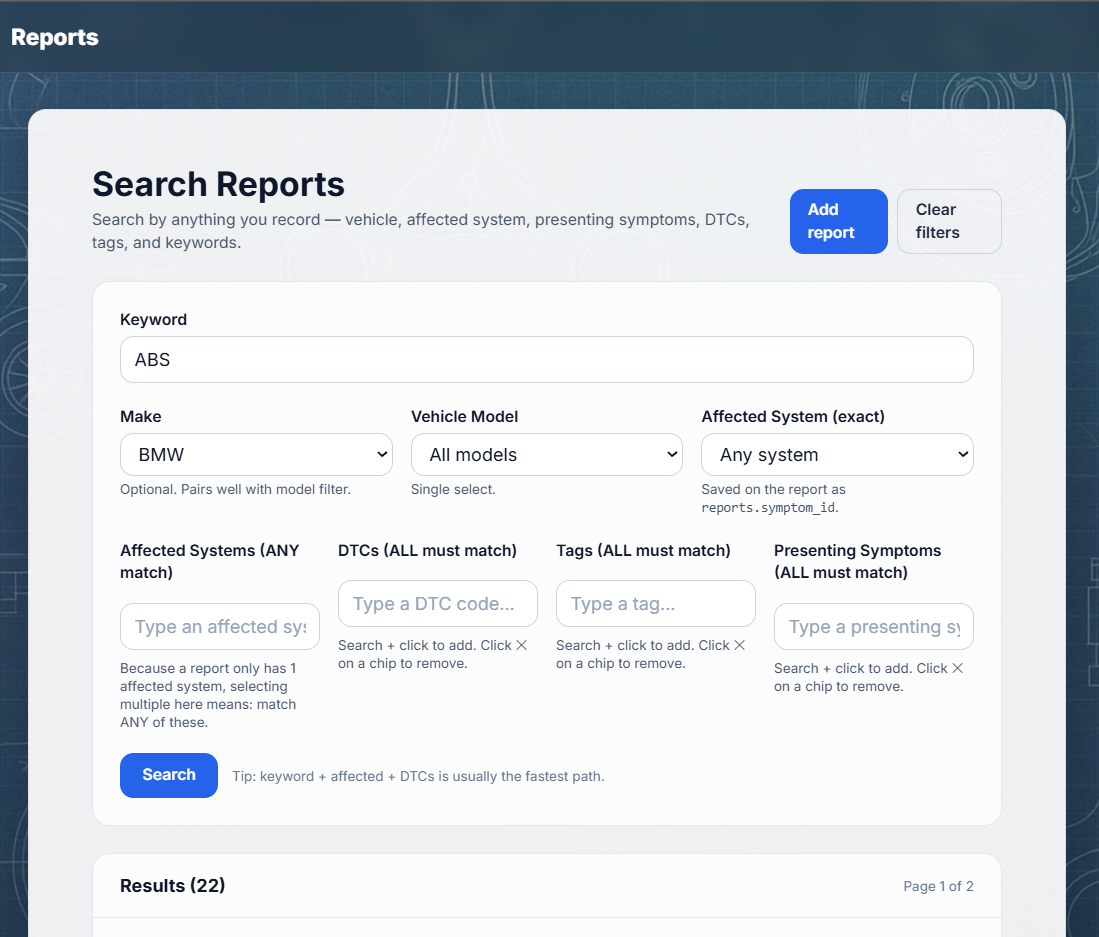
Search
Designed to find workshop patterns.
You should not have to remember the exact title of an old job. Search by the things technicians naturally remember: the DTC, the symptom, the affected system, the make/model or a word from the fix.
Evidence
A report is stronger when it shows why.
Photos, videos and documents give your report context. That makes it easier to trust, easier to explain, and easier to use later.
Reminder: evidence should be technical only. Avoid customer names, registration numbers or anything personally identifiable.